Blog · October 19, 2026
How to Send Photos to Clients (Without Losing Quality)
By the Proof team, at The Flash House in Las Cruces.
You finished the edit. The colors are right, the skin looks like skin, and you're proud of the set. Now comes the part nobody teaches: getting those photos to the client in a way that looks professional, keeps every pixel, and doesn't turn into three weeks of "which one was the one I liked?"
The short answer: for a few files, a transfer link is fine. For a real session, send a private client gallery: one link, a PIN, full resolution downloads, and a way for the client to mark favorites. Don't deliver through texts or messaging apps, because they shrink your files. And before you hit send, download one photo yourself through the client's view and check it.
That covers it. The rest of this post walks through each option, the quality traps, how to let clients pick their photos, and the workflow we use at our own studio in Las Cruces.
The four ways photographers send photos to clients
Email attachments
Good for five LinkedIn headshots. Not much else. Most email services cap attachment size, so a full session either bounces or gets turned into a cloud link anyway. Some mail apps also offer to "reduce size" when you attach photos, and clients tap yes without thinking.
Transfer links
Upload a batch, get a link, send it. Quick and free for smaller jobs. The catch is that links usually expire after a set time, the page looks like the transfer service instead of your studio, and once a client misses the window you're uploading again.
Cloud folders
If you already pay for cloud storage, a shared folder costs nothing extra. It works, but it's clumsy for clients. On an iPhone there's often no easy way to download everything at once, so people save photos one at a time or not at all. You can't tell whether they actually downloaded anything, the files keep eating your storage, and every so often a client deletes something from the shared folder.
Private client galleries
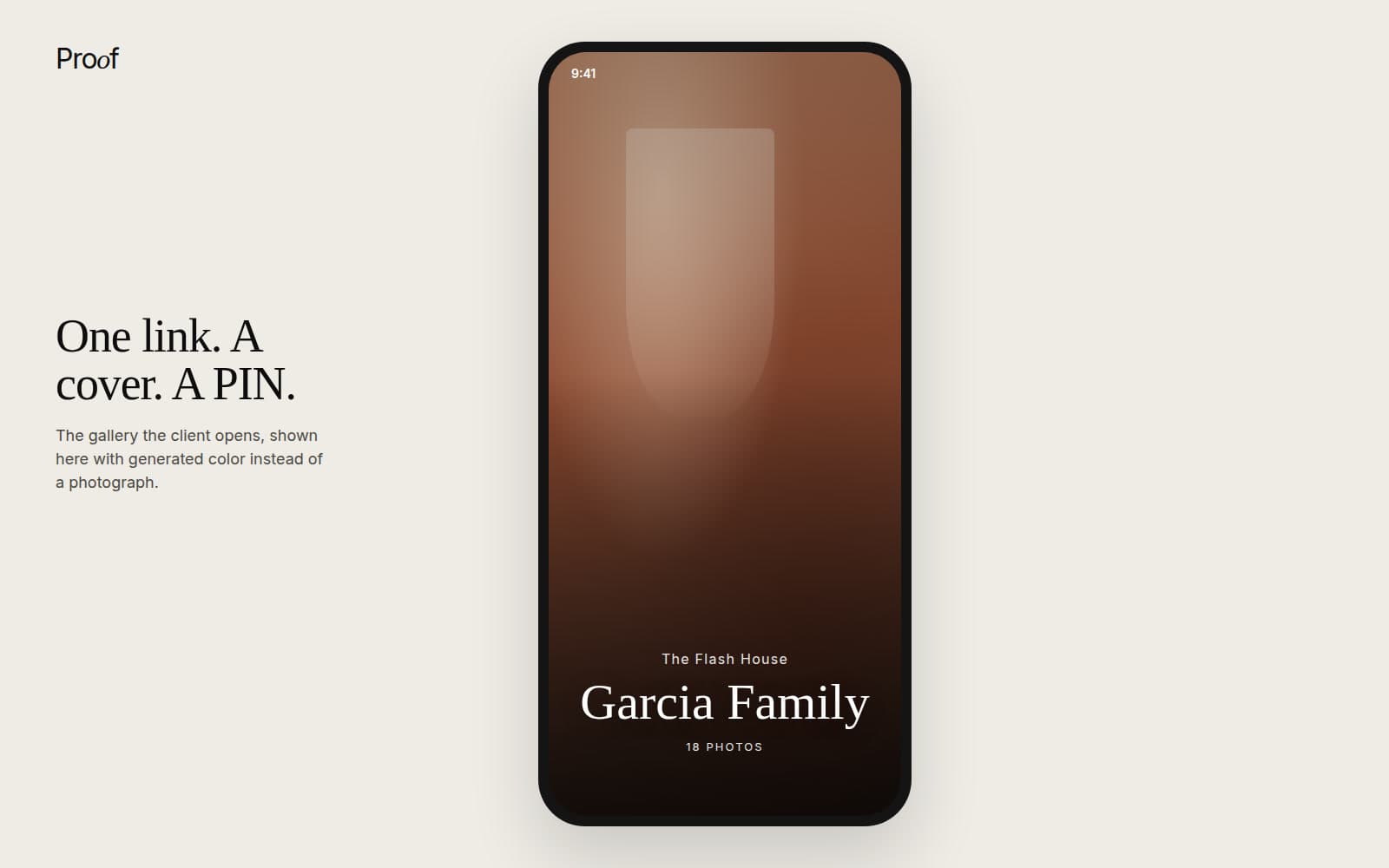
This is what galleries are built for. The client opens a link and sees your work on a cover photo instead of a list of file names. A PIN keeps it to the people you sent it to. They can download everything at full resolution, and they can mark favorites if you're still in the proofing stage.
| Method | Best for | Keeps full quality | Looks professional | Client can pick favorites |
|---|---|---|---|---|
| Email attachment | A handful of files | Usually, if the app doesn't resize | Not really | No |
| Transfer link | One quick batch | Yes | Somewhat | No |
| Cloud folder | Clients who already use that service | Yes | No | Not easily |
| Client gallery | Full sessions, proofing, repeat clients | Yes, if downloads are full resolution | Yes | Yes |
How to send photos to clients without losing quality
Most "my photos look blurry" messages aren't caused by the delivery tool. They happen somewhere between your export and the client's camera roll. Three habits prevent nearly all of them.
Export once, at the size you promised
Decide the delivered size before the shoot and put it in writing. Many portrait photographers deliver two sets: full resolution JPEGs for printing, and a smaller sharing set for phones and social media. Export each one once from your edited master. Resaving the same JPEG over and over is how detail quietly disappears.
Keep messaging apps out of delivery
Texting, social DMs and most chat apps compress images to save data. They're fine for sending a sneak peek. Don't use them for final files, and tell clients not to forward finals that way either if they plan to print.
Test the download yourself
Open the gallery the way your client will, on your phone, in a private browser window. Download one photo. Check the pixel dimensions and file size against your export. It takes two minutes, and it catches the problem before your client does.
How to let clients choose their photos (client proofing)
What client proofing means
Proofing just means the client looks through the edited set and tells you which ones they want before final delivery. You might proof to pick images for an album, to decide which frames get extra retouching, or because the package includes a set number of photos.
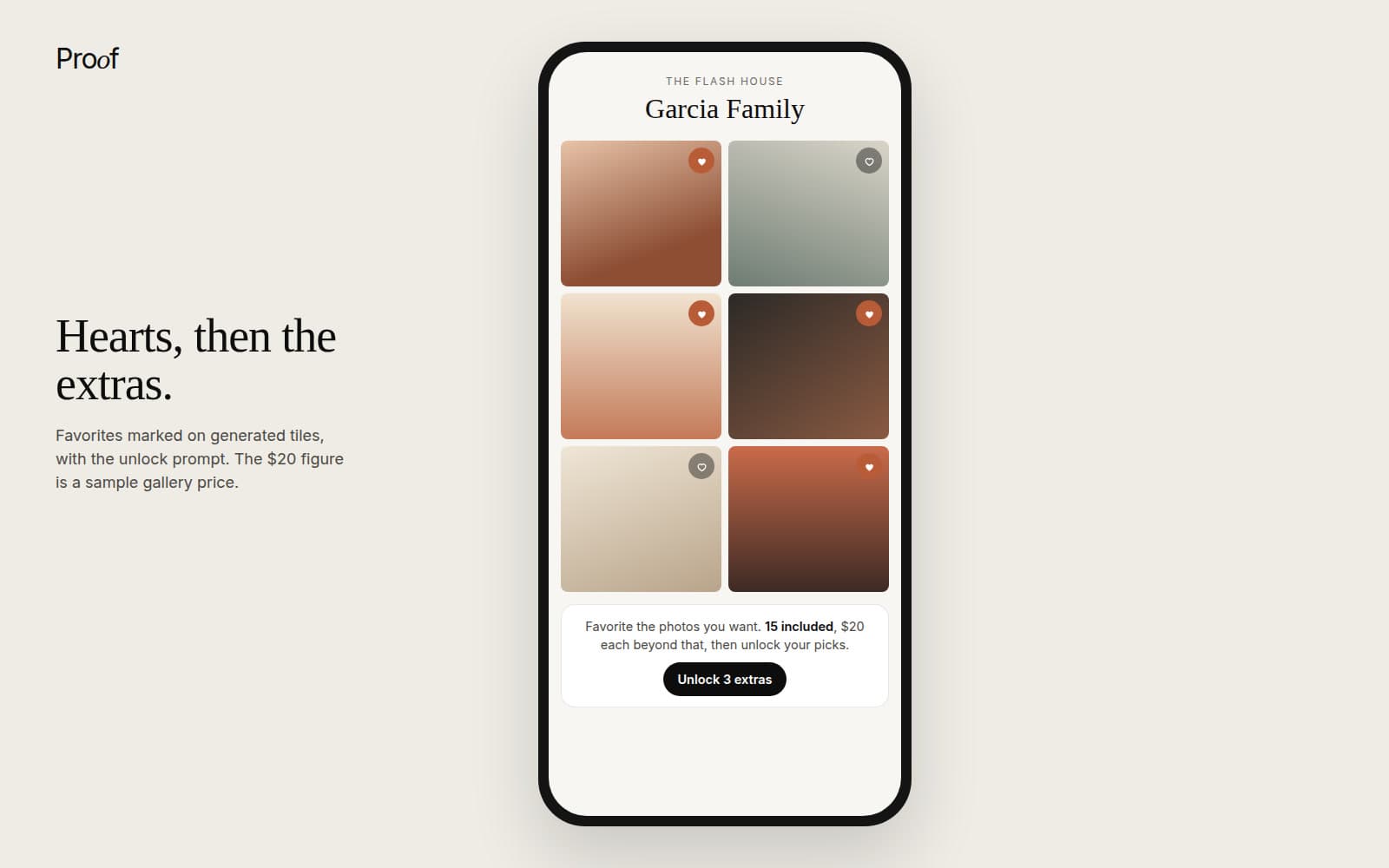
The old way is a gallery link plus an email that says "reply with the file numbers you like." You get back a list like "IMG 4521, the one by the tree, and maybe 33?" Favorites inside the gallery fix that. The client taps a heart, and you see exactly which frames they picked.
Set the included count before you send
Tell the client how many photos their session includes before they start looking. A family session might include 15. A mini might include 5. When the number is clear up front, picking feels like a fun task instead of a negotiation.
Turn extra favorites into extra sales
Clients almost always heart more than their package includes. Instead of a long back and forth, let them pay to unlock the extras right in the gallery. You set the price per extra photo, the client pays, and the files download. In Proof, those payments go straight to your own Stripe account and Proof takes 0% of photo sales (Stripe's standard processing fee still applies). Photo sales start on the Solo plan. More on that on the photo sales page.
A simple delivery workflow you can repeat every session
Before the shoot
Put three things in writing: when the gallery will be ready, how many edited photos are included, and what sizes you deliver. Clients rarely complain about a timeline they agreed to.
After editing
Name your files so a human can read them, like "Garcia Family 001" instead of "IMG 4521." Upload the finished set to one gallery, add a cover photo you love, and set the PIN.
Send one short message
Keep it simple. Here's a template you can copy:
Hi Maria! Your family photos are ready. Here's your private gallery: [link] Your PIN is [PIN]. Your session includes 15 photos. Tap the heart on your favorites and I'll take it from there. You can download everything at full resolution, so please save a copy to your phone or computer. Questions? Just reply to this message.
Follow up if it hasn't been opened
People get busy. Proof shows you when a client opens their gallery, so if a few days go by with no visit, send a friendly nudge instead of guessing.
Can you send photos to clients for free?
Yes. Transfer links and cloud folders can be free, with the tradeoffs above: expiring links, no branding, and no favorites.
Proof Free costs $0 forever and doesn't ask for a card. It includes 3 galleries and 5GB of storage, PIN delivery, full resolution zips, and client proofing with favorites. Galleries on Free don't expire. If you're just starting out, or you want to try a gallery with a real client before paying for anything, that's enough to deliver your next few sessions properly. See everything on the pricing page.
Where Proof fits (and where it doesn't)
We built Proof at The Flash House, our photography studio in Las Cruces, because we were tired of juggling one tool for galleries, another for invoices, and a spreadsheet for everything else. Here's an honest look at where it helps.
Proof is a good fit if you want:
- Private client galleries with a cover photo, a PIN, and full resolution downloads
- Proofing and favorites in the same gallery you deliver from
- A way to sell extra photos from the gallery without a separate store (Solo and up)
- Booking, retainers and mini session days in the same place as your galleries (Pro and up)
Look elsewhere if you need:
- Print lab orders and albums fulfilled through your gallery. Proof sells digital files, not prints.
- RAW file delivery. Proof doesn't support RAW uploads today.
If you're weighing your options, see how Proof compares, or read our roundup of gallery platforms photographers are switching to. Running mini sessions this season? Our guide to holiday mini sessions covers the booking side.
Proof pricing
These are the same amounts as the cards on the pricing page.
- Free. $0 forever. 3 galleries and 5GB.
- Solo. $12/mo, or $130/yr.
- Pro. $33/mo, or $360/yr. The first 25 founding members lock Pro at $24/mo or $260/yr for as long as the subscription stays active.
- Unlimited. $59/mo, or $650/yr.
- Studio. $50/mo, or $500/yr.
- Teams. $50 + $24/photographer, or $500 + $240/photographer/yr.
Send your next gallery free. Proof Free gives you 3 private galleries with full resolution downloads and client favorites, and it never asks for a card. Start free
Want booking and retainers in the same place as your galleries? Founding members lock Pro at $24 a month for life while spots last. See Pro early access
Questions
What is the best way to send photos to clients?+
For a full session, a private client gallery is the best way. The client gets one link and a PIN, sees your work presented well, can mark favorites, and can download every photo at full resolution. For a handful of files, a transfer link works fine.
How do I send photos to clients without losing quality?+
Export once at the size you promised, deliver through a gallery or link that offers full resolution downloads, and avoid texting and messaging apps because they compress images. Then download one photo through the client's view and compare it to your export.
How do photographers send photos to clients for free?+
Free options include transfer links, shared cloud folders, and free gallery plans. Proof Free costs $0 forever with no card required and includes 3 galleries, 5GB of storage, PIN delivery, full resolution zips, and client proofing with favorites.
What is client proofing?+
Client proofing is when a client reviews the edited photos and picks the ones they want before final delivery. In a gallery, they usually do this by marking favorites, so you see exactly which frames they chose.
How long should a client gallery stay up?+
There's no single right answer, so put your policy in your contract and ask clients to save their own copy. On Proof, galleries don't expire, including on the Free plan.
Should I send full resolution files or smaller ones?+
Often both. Full resolution files are for printing, and a smaller sharing set is easier for phones and social media. Agree on what you'll deliver before the shoot.
Related
Start with a real gallery.
The free plan delivers galleries, and it does not ask for a card. Invoices start on Solo. Booking starts on Pro.